
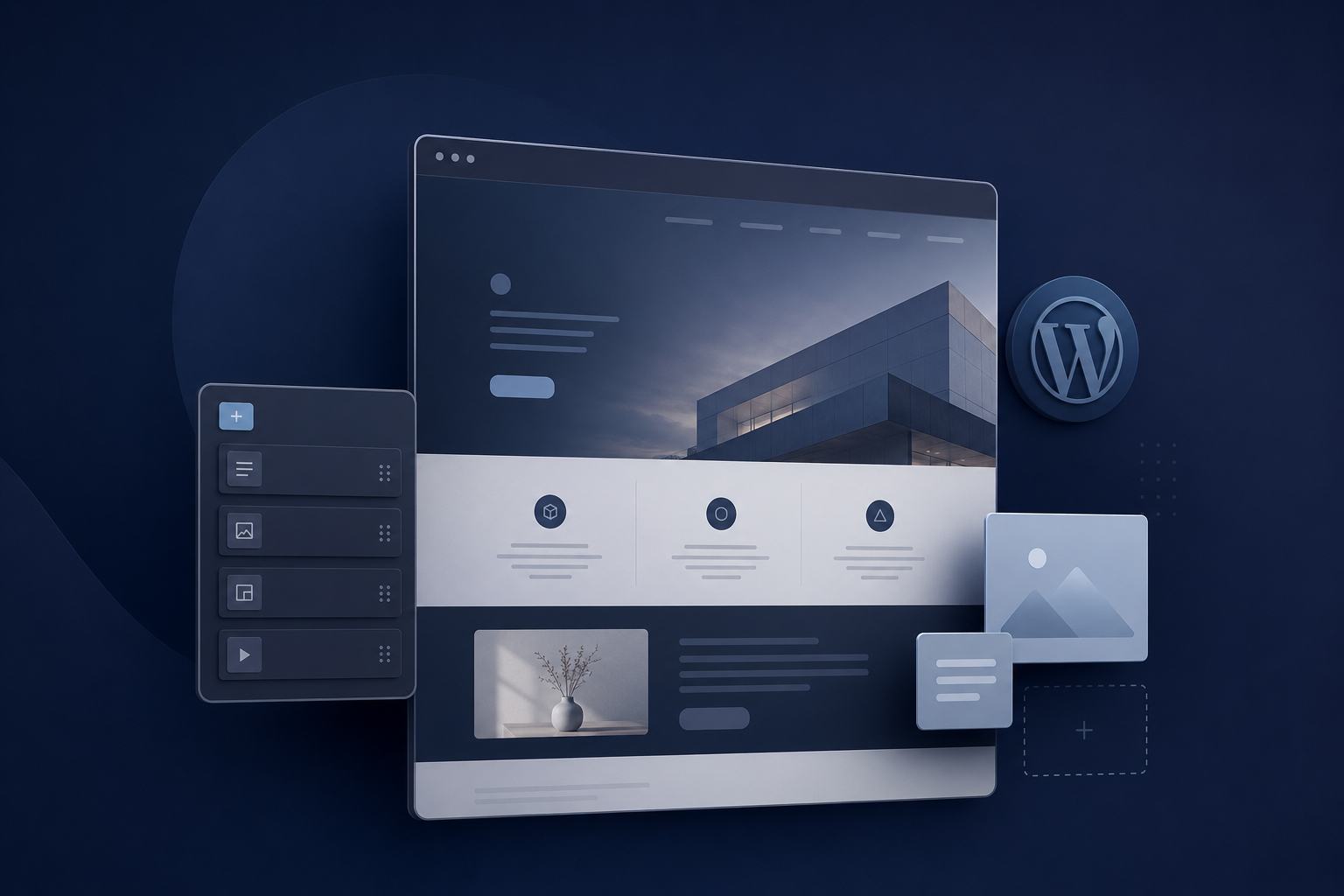
WordPress Website for Your Business: Benefits, Limitations and Real Costs
When a business needs a new website, WordPress is often one of the first solutions that comes to mind. Its popularity is easy to understand: the platform can be used for company websites, blogs, service pages, landing pages and online shops, while allowing business owners to manage much of their content without working directly with code.
However, choosing WordPress simply because it is well known is not enough. A content management system is only the foundation of a website. The final result depends on how the website is planned, designed, developed and maintained, as well as on the quality of its hosting, theme, plugins and content.
A carefully developed WordPress website can be fast, professional and easy to manage. A poorly structured installation, on the other hand, can gradually become slow, vulnerable and expensive to maintain. Before deciding which technology to use, a business should therefore understand not only what WordPress can do, but also which responsibilities and limitations come with it.
What is WordPress and how does it work?
WordPress is a content management system, usually referred to as a CMS. It provides an administrative environment in which authorised users can create pages, publish articles, replace images and update existing content. This means that many everyday changes can be completed without editing the source code or contacting a developer.
Behind that convenient administration area, a WordPress website is composed of several interconnected parts. WordPress itself provides the central system for managing content, users and settings. A theme determines the website’s visual appearance and often influences its page structure. Plugins add functions such as contact forms, multilingual content, reservations, payments or search engine optimisation. The website’s information is stored in a database, while the hosting environment provides the server on which everything operates.
These components may come from different developers and can evolve independently. This open ecosystem gives WordPress much of its flexibility, but it also explains why updates, compatibility and maintenance need to be taken seriously. A professional WordPress website is not merely a theme with several plugins installed; it is a complete system in which every component should have a clear purpose.
Which businesses can benefit from WordPress?
WordPress is particularly suitable for websites whose main purpose is to present information, explain services and generate enquiries. A local company, consultant, photographer, construction business, restaurant or independent professional can use it to communicate what the business offers, demonstrate previous work and help visitors take the next step.
For service providers, separate pages can be created for each important service. This makes the website easier to navigate and allows every page to answer the questions of a particular group of potential customers. A useful service page should explain what the service includes, who it is intended for, how the process works and how a visitor can request an appointment or quotation.
WordPress is also a strong option for businesses that publish articles regularly. Blogging was one of its original purposes, and the platform still provides a practical way to organise content by category, author and publication date. A well-developed knowledge centre can answer customer questions, demonstrate professional expertise and create valuable pages that Google and other search systems can discover.
Through WooCommerce, WordPress can also support online shops. WooCommerce adds product management, orders, customer accounts, payment options and other e-commerce functions. It can be an effective solution for many small and medium-sized shops, although businesses with complex logistics, unusual product configurations or advanced integrations may need a more specialised system.
The practical advantages of WordPress
One of the most important advantages of WordPress is that it gives businesses control over their published content. Following a clear handover, an employee or business owner can usually update text, replace images and publish new articles without requesting technical assistance for every small adjustment. This is particularly valuable when offers, services, projects or company information change regularly.
WordPress can also reduce initial development time because many common website functions already have established solutions. Contact forms, cookie management, multilingual content and basic search optimisation do not always need to be built from the beginning. When these solutions are selected carefully, they can make development more efficient without compromising the quality of the result.
The large WordPress ecosystem is therefore a genuine advantage, but only when it is used with restraint. Having access to thousands of plugins does not mean that a website should use as many as possible. Every additional dependency introduces code, settings and future updates. A professional developer selects a plugin because it solves a specific problem reliably, not simply because it offers an attractive list of features.
WordPress also allows considerable design freedom. A website built with WordPress does not have to resemble a standard template. A custom theme or a carefully designed collection of components can reflect the colours, typography and character of a business while retaining the practical content-management capabilities of the platform.
Why WordPress websites sometimes become slow?
WordPress itself is not automatically slow, but the choices made during development can have a significant effect on performance. Heavy themes, complex page builders, oversized images, excessive animation and numerous plugins can add scripts, styles and database processes to every page. External services such as advertising trackers, chat widgets and multiple font libraries may create additional delays.
Hosting quality is another important factor. A well-developed website placed on an unsuitable server can still perform poorly, especially when traffic increases or several visitors access it simultaneously. Caching, image optimisation, database maintenance and server configuration all influence how quickly a page becomes visible and usable.
Performance should therefore be considered during development rather than treated as a problem to solve after launch. A visually impressive website is not effective when visitors leave before its main content appears. Loading speed can influence user experience, conversions and search visibility, particularly for visitors using mobile connections.
The limitations of themes and plugins
Plugins make WordPress flexible, but they do not provide unlimited freedom. Every plugin offers only the functionality anticipated by its developer. If a business later needs a specialised workflow or an unusual interaction, an existing plugin may not support the change without extensive customisation.
This can create situations in which a seemingly small request requires adjustments to several interconnected components. In some cases, modifying the existing system costs more than replacing the original solution. The risk is greater when important functionality depends on an unsupported plugin or on a developer who no longer maintains the product.
Ready-made themes can produce similar restrictions. They often contain many layouts and functions intended to appeal to a broad audience, even though a particular business may use only a small part of them. The unused functionality can make the administration environment more confusing and add unnecessary weight to the website.
For this reason, the least expensive initial option is not always the most economical over several years. A clear technical foundation with fewer dependencies can be easier to understand, update and expand than a website assembled from numerous overlapping tools.
Maintenance and WordPress security
A WordPress website should not be launched and then ignored. WordPress core, themes and plugins continue to receive functional and security updates. Because these components are often maintained by different organisations, an update can occasionally create compatibility problems elsewhere on the website.
Responsible maintenance normally includes creating backups, applying updates, removing unused components, monitoring availability and testing important forms or customer journeys. Backups should not only exist; they should also be stored safely and be usable if the website needs to be restored.
WordPress can be operated securely, but its popularity makes outdated installations attractive targets. Many security incidents are caused not by WordPress itself, but by weak passwords, abandoned plugins, old themes, unreliable hosting or excessive administrator access.
A reliable setup should therefore use strong account security, HTTPS, carefully selected extensions and appropriate server protection. A security plugin may provide an additional defensive layer, but it cannot compensate for poor maintenance or insecure hosting. Security is an ongoing process rather than a feature that can be installed once.
Does WordPress automatically provide good SEO?
WordPress offers a useful foundation for search engine optimisation, but neither WordPress nor an SEO plugin can guarantee visibility in Google. An SEO plugin can help manage page titles, descriptions, sitemaps and structured data, but it cannot decide which questions potential customers are asking or whether the content answers them convincingly.
Search visibility depends on the complete website. Google needs to find pages that load properly, work on mobile devices and follow a logical structure. It also needs useful content, descriptive headings, internal links and accurate information about the company and its services.
A business that wants to be found locally needs more than a city name added repeatedly to its text. For example, a company targeting searches such as “website laten maken Heerlen”, “website laten maken Limburg”, “webdesign Heerlen” or “webdesign Limburg” must clearly demonstrate what it offers in that area and why the service is relevant to local customers.
A useful local page should explain the available services, the region covered, the working process and the problems the company can solve. Reproducing the same page for several cities while changing only the location name adds little value for visitors and is unlikely to create a strong long-term search position.
Educational articles have a different role. They can answer broader questions, demonstrate expertise and direct readers towards the appropriate commercial page. An article about WordPress should therefore help someone understand the technology, while a service page should explain how the website will be planned and developed for that person’s business.
WordPress and visibility in AI systems
People increasingly use AI assistants alongside traditional search engines when researching products, services and companies. These systems also benefit from information that is clear, consistent and well structured.
A website should make it easy to understand what the company does, where it operates, who its customers are and which experience supports its claims. The name of the CMS is less important than the quality of the information published through it. Installing an SEO plugin cannot transform vague marketing language into useful business information.
Clear headings, complete explanations, accessible navigation and consistent company details help both human visitors and automated systems interpret a website. This is why SEO and AI visibility should not be treated as separate tricks. Both begin with content that answers real questions in an understandable way.
What does a WordPress website really cost?
The cost of a WordPress website is not limited to design and development. A realistic budget may also include professional hosting, domain registration, premium licences, content creation, maintenance, backups and future modifications.
Some themes, page builders and plugins require annual subscriptions. A single licence may appear affordable, but recurring costs can become significant when several commercial tools are combined. Businesses should know which licences are necessary, who owns them and what happens when a subscription is not renewed.
Maintenance is another continuing cost. Updates need to be applied and tested, backups need to be monitored and important functions need to remain operational. If the website generates enquiries or sales, ignoring maintenance can eventually cost more than maintaining it properly.
A very inexpensive website may therefore become costly when it performs poorly, depends on too many licences or requires repeated repairs. The initial quotation should always be considered together with expected operating costs and the probable lifespan of the solution.
When is custom development a better choice?
WordPress is usually effective for content-focused websites with familiar business requirements. It may be less appropriate for platforms that depend on complex user accounts, advanced dashboards, unusual business workflows, large quantities of dynamic data or highly specialised interactive functions.
In these situations, custom development with technology such as Next.js can provide greater control over performance, application behaviour and integrations. That control requires more dedicated development, so it is not automatically the right choice for a straightforward company website.
The technology should follow the project rather than personal preference or current popularity. A small service website should not be made unnecessarily complex, while an advanced platform should not be forced into WordPress simply to reduce the initial development cost.
Questions to ask before commissioning a WordPress website
Before agreeing to a WordPress project, a business should understand what it will receive after delivery. Ask which parts of the website can be edited internally, which theme and plugins will be used and whether any of them require recurring licences. It is also important to know who will own and manage those licences.
The developer should be able to explain how updates and backups will be handled, how performance will be tested and what happens if an essential plugin is discontinued. The business should retain clear ownership of its domain, content and website and should be able to move the project to another suitable hosting provider if necessary.
These questions are not signs of distrust. They help establish a transparent working relationship and reduce the risk of unexpected technical or financial dependencies.
Is WordPress the right choice for your business?
WordPress can be an excellent foundation for a company website, service website, knowledge centre or suitable online shop. It provides practical content management, substantial design freedom and access to an established ecosystem of extensions.
Its flexibility, however, needs to be controlled. Too many plugins, unsuitable hosting, missing maintenance or dependence on a heavy page builder can turn an accessible platform into a slow and expensive system.
The real question is therefore not whether WordPress is generally good or bad. A better question is whether it offers the most practical, maintainable and cost-effective solution for the objectives of a particular business.
Sphawn develops websites for businesses in Heerlen and throughout Limburg, selecting the technology according to the actual requirements of each project. When WordPress offers the right balance of content control, functionality and long-term cost, we can build a structured and manageable WordPress website. When the project requires more advanced functionality or tighter technical control, we can propose a custom solution instead.
If you already have a website and want to understand how it currently performs, Sphawn’s free SiteAudit can examine its speed, technical SEO structure and signals related to AI visibility. The result can help you identify whether the existing foundation is working effectively or whether specific improvements are needed.